Finding genuinely good free Lightroom presets is harder than it should be.
Most free preset packs online either look outdated, push colors too far, or simply break on newer versions of Lightroom. Some look amazing in the preview image, then completely ruin your own photos with blown highlights, strange skin tones, or unnatural colors.
The good news? Not all free presets are low quality.
Some creators offer real samples from their best-selling collections, giving you a chance to test professional-grade presets before buying a full pack.
In this guide, you’ll find two free Lightroom presets from Play Presets that are actually worth downloading. Both are designed for modern creators and work on both Adobe Lightroom Mobile and Desktop.
Whether you edit portraits, travel photos, lifestyle content, or social media posts, these free presets can help you create cleaner, more professional edits in just a few clicks.
Why Most Free Lightroom Presets Disappoint
Before downloading random free preset packs, it helps to understand why so many of them fail to deliver consistent results.
Not all free presets are bad, but many are poorly built, outdated, or designed more for marketing than real editing.
Many Free Presets Are Poorly Tested
A preset might look great on one sample image and fail completely on another.
Many free presets are created with minimal testing across different lighting conditions, skin tones, cameras, and photo styles. This often leads to oversaturated colors, crushed shadows, blown highlights, or unnatural tones.
Professional presets are tested across many images and refined to produce more reliable results.
Some Presets Are Outdated
Lightroom has evolved a lot over the years.
Older presets may use outdated formats or settings that no longer work properly with modern versions of Adobe Lightroom. This can cause import issues, broken adjustments, or inconsistent results between desktop and mobile.
High-quality preset packs are regularly updated and optimized for current Lightroom workflows.

Preview Images Can Be Misleading
One common mistake beginners make is trusting only the preview photo.
Some free preset packs are promoted using heavily edited sample images that do not reflect real-world performance. Others intentionally make free versions overly intense to push users toward paid products.
A good free preset should enhance your image naturally, not force every photo into the same unrealistic look.
Always look for creators who show real before-and-after examples and offer presets built for both mobile and desktop editing.
The 2 Best Free Lightroom Presets from Play Presets
Most creators do not need 50 random free presets.
A better approach is starting with a few professionally designed presets that cover different editing styles and lighting conditions.
That is why Play Presets offers two free Lightroom presets from our best-selling collections. Both are built for creators who want clean, professional edits without spending hours adjusting sliders manually.
These presets work on both Adobe Lightroom Mobile and Desktop and are designed to deliver natural, consistent results across different photo styles.
Free Preset #1: Fujicolor 200 (Film Presets Collection)

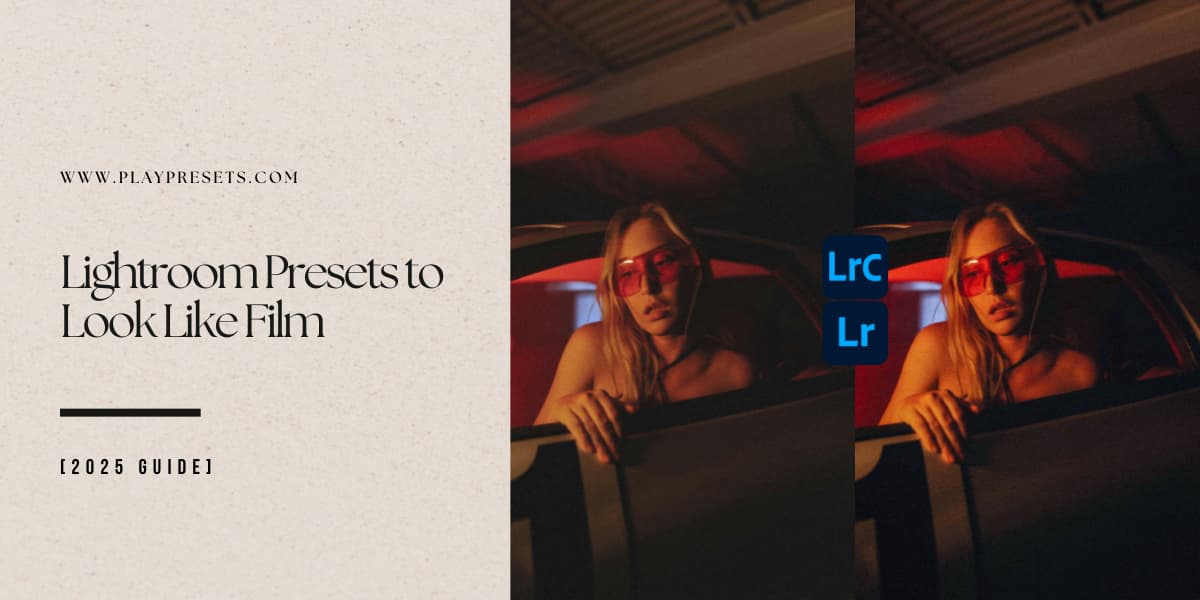
Inspired by classic Fujifilm film stocks, Fujicolor 200 adds soft warmth, subtle grain, and nostalgic color tones that instantly give photos a timeless film aesthetic.
This preset works especially well for:
-
Portrait photography
-
Travel photos
-
Street photography
-
Wedding and engagement shoots
-
Vintage-inspired content
Unlike many free film presets that either oversaturate colors or add excessive grain, Fujicolor 200 keeps the balance natural and refined.
It enhances skin tones, softens contrast, and creates an organic film-inspired look without making your edits feel overprocessed.
Works on: Mobile + Desktop
File formats: DNG, XMP, LRTemplate
[Get Free Fujicolor 200 Preset →]
Free Preset #2: Clean (Light & Airy Collection)

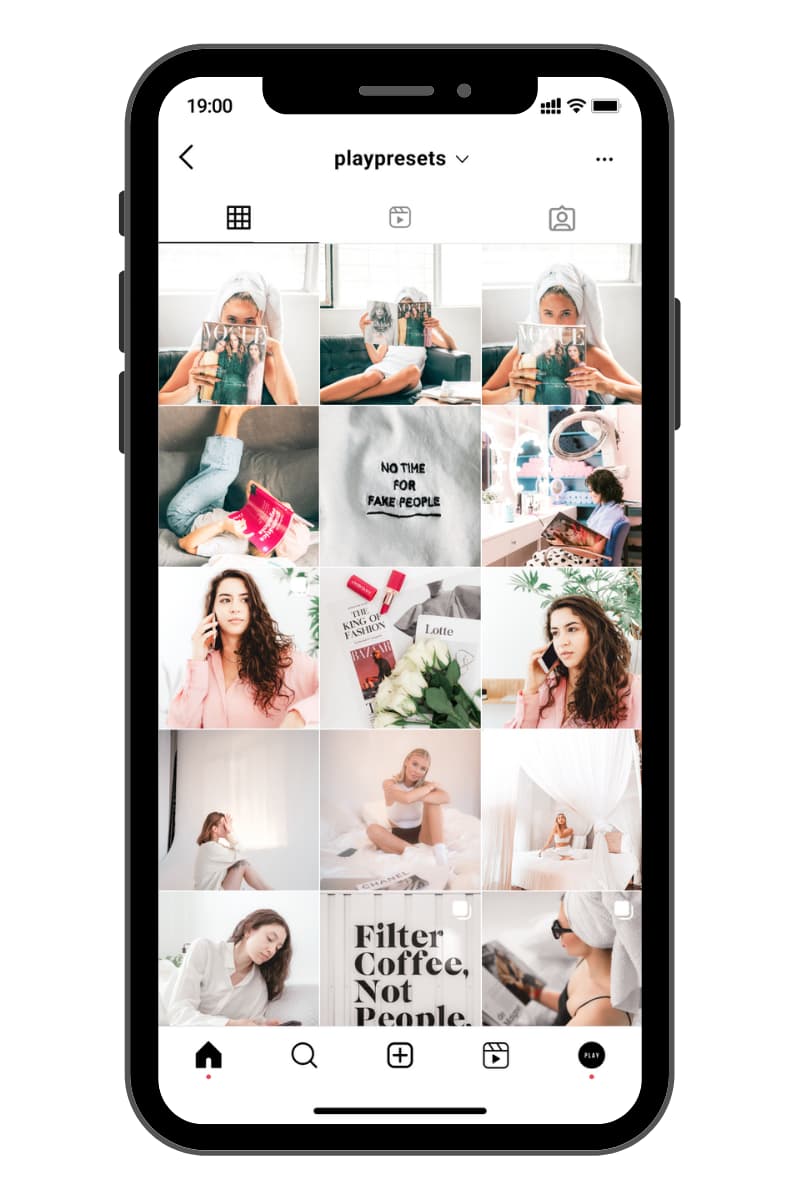
Clean is designed for bright, airy edits with soft whites, lifted shadows, and natural-looking warmth.
It is ideal for creators who love modern lifestyle aesthetics and polished social content.
This preset works especially well for:
-
Lifestyle photography
-
Bright portraits
-
Wedding content
-
Fashion and beauty photos
-
Product photography
-
Social media content
Instead of simply increasing exposure, Clean brightens photos intelligently while preserving detail in highlights and shadows.
The result is a polished, fresh edit that feels clean, modern, and effortless.
Works on: Mobile + Desktop
File formats: DNG, XMP, LRTemplate
Compare Our Free Lightroom Presets
Not sure which free preset fits your style?
Here’s a quick comparison to help you choose between Fujicolor 200 and Clean based on the type of look you want to create.
| Preset | Style | Best For | Formats |
|---|---|---|---|
| Fujicolor 200 | Film / Nostalgic | Portraits, Travel, Street | DNG, XMP, LRTemplate |
| Clean | Light & Airy | Lifestyle, Wedding, Beauty | DNG, XMP, LRTemplate |
How to Download and Install Free Lightroom Presets
Getting started is simple and only takes a few minutes.
Step 1: Download Your Free Presets
Choose your preset, enter your email, and download the preset files included in your pack.
Each free preset includes multiple file formats for compatibility across different Lightroom versions:
-
DNG — ideal for Lightroom Mobile
-
XMP — best for modern Lightroom Desktop and Mobile workflows
-
LRTemplate — legacy support for older Lightroom versions
Step 2: Import into Lightroom
Import the preset files into Adobe Lightroom based on your device and workflow.
Once installed, your presets will appear inside the Presets panel and can be applied in one click.
Step 3: Make Small Adjustments
Presets work best as a professional starting point.
After applying a preset, you may want to make small adjustments to:
-
Exposure
-
White balance
-
Contrast
-
Highlights and shadows
This helps you get the best result for each individual photo.
Need detailed installation help?
Frequently Asked Questions About Free Lightroom Presets
Download Your Free Lightroom Presets
Free presets should make editing easier, not more confusing.
Start with Fujicolor 200 if you want a soft film-inspired look with warmth, subtle grain, and nostalgic color. Choose Clean if you prefer bright, airy edits with soft whites and polished lifestyle tones.
Both presets are free to download and work with Lightroom Mobile and Desktop.
Download the presets, try them on a few of your favorite photos, and see which editing style fits your workflow best.
Get Free Fujicolor 200 Preset →
Get Free Clean Preset →
Browse All Free Lightroom Presets →