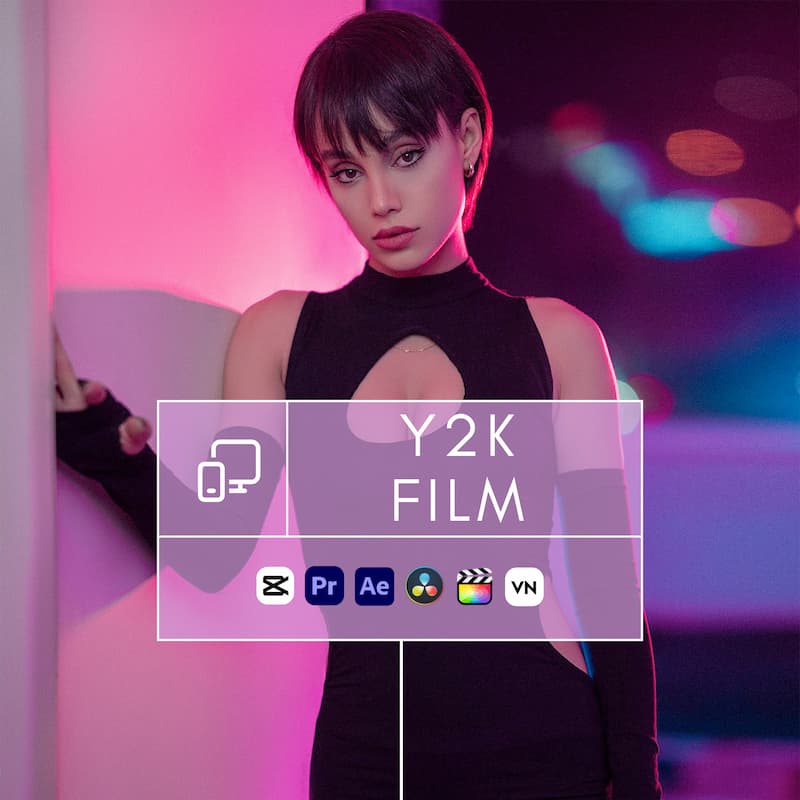
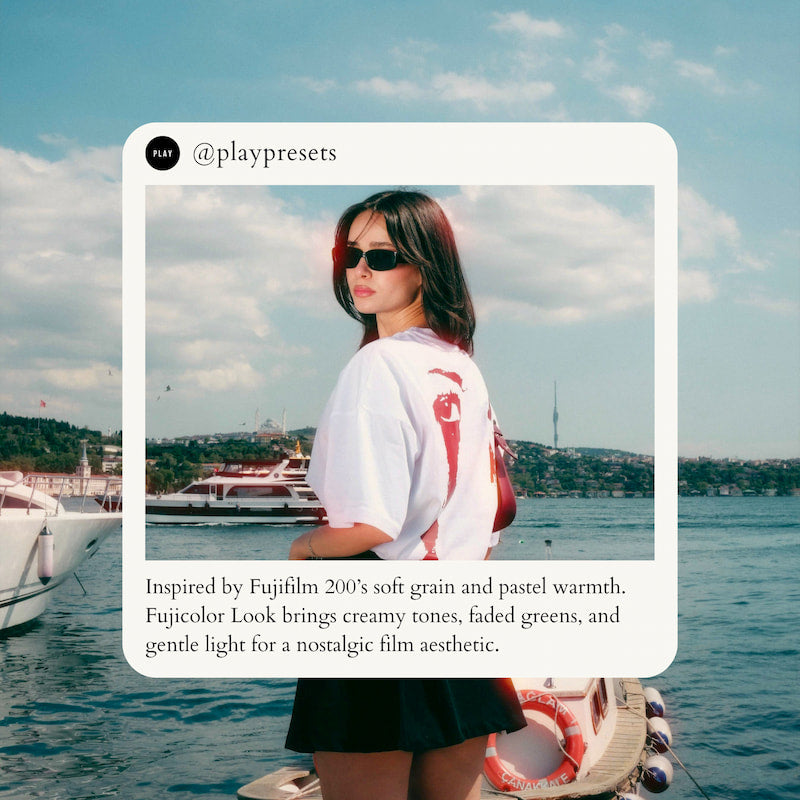
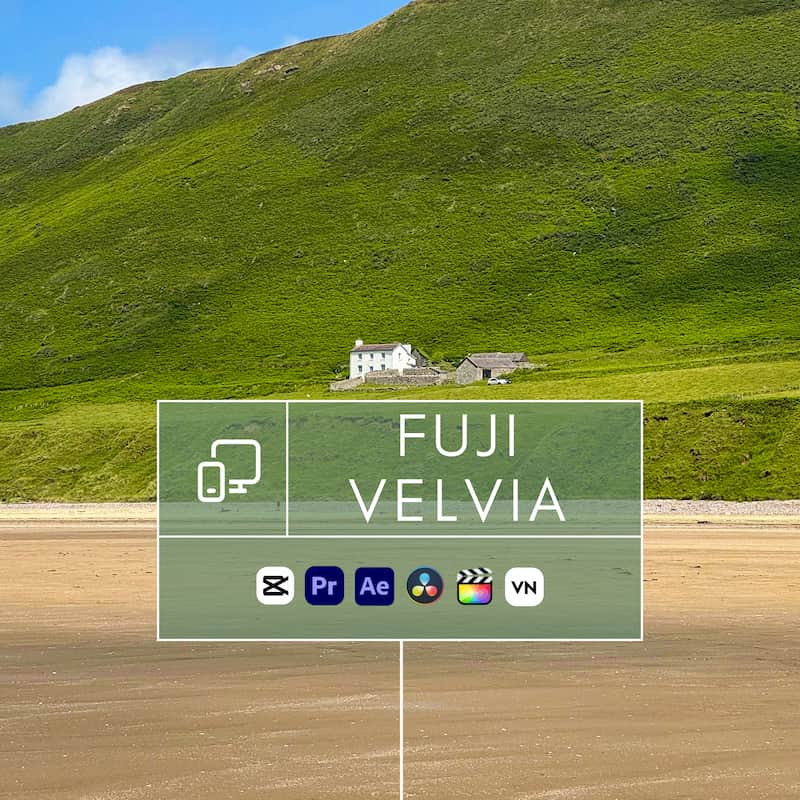
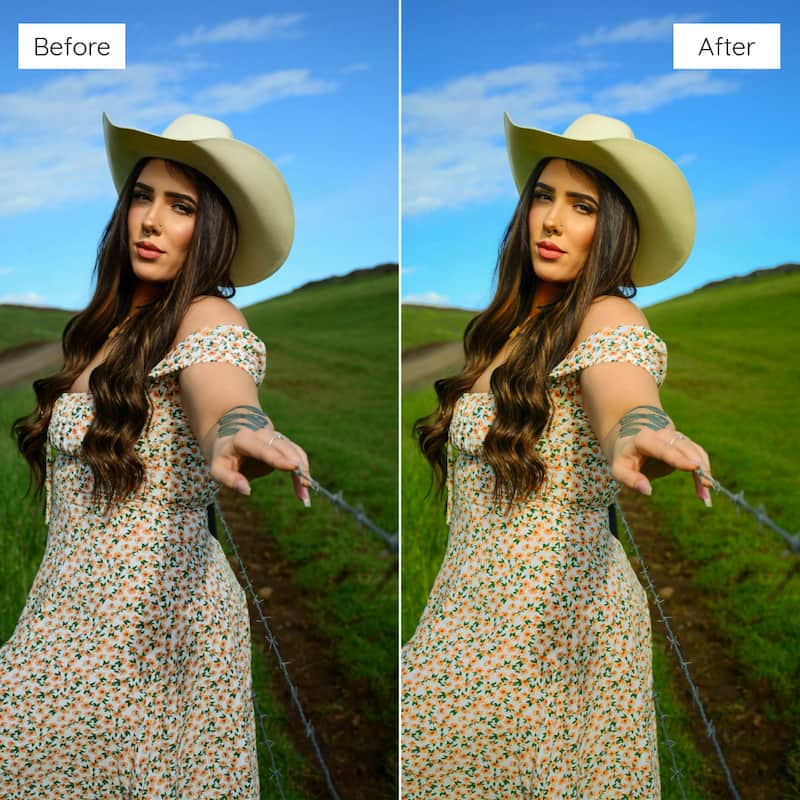
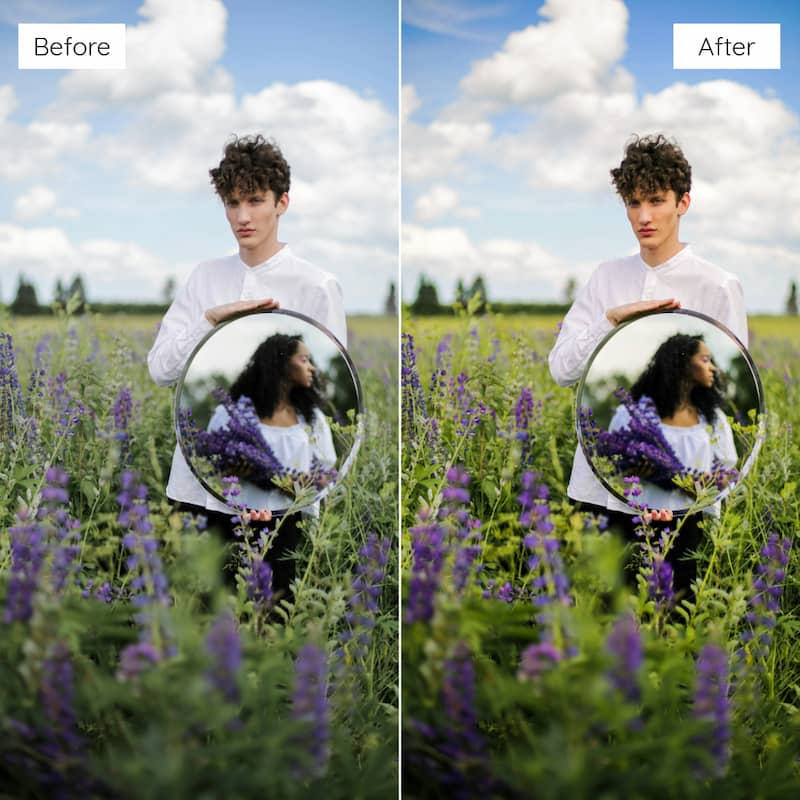
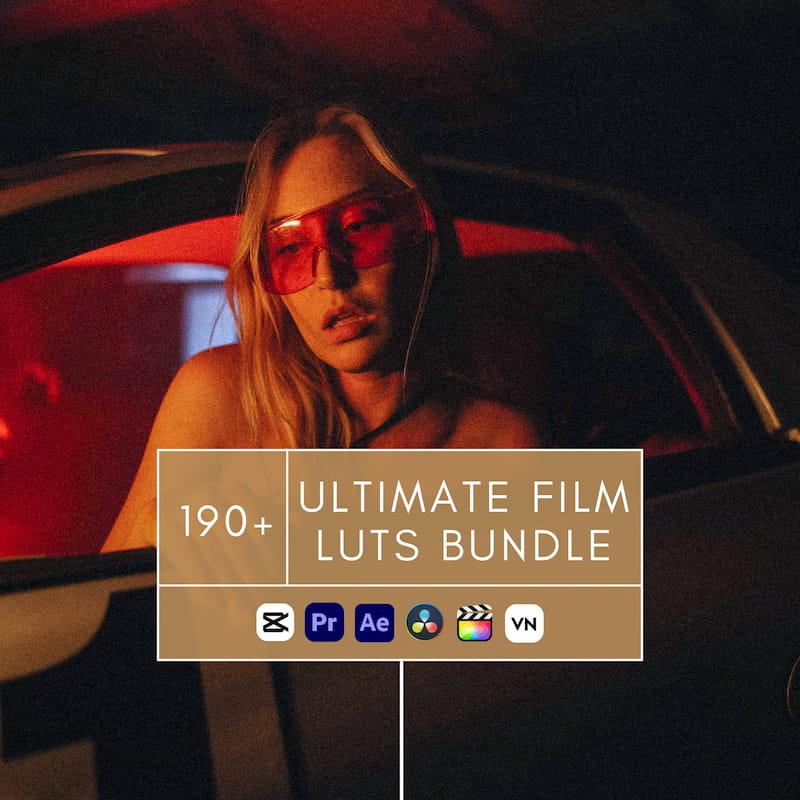
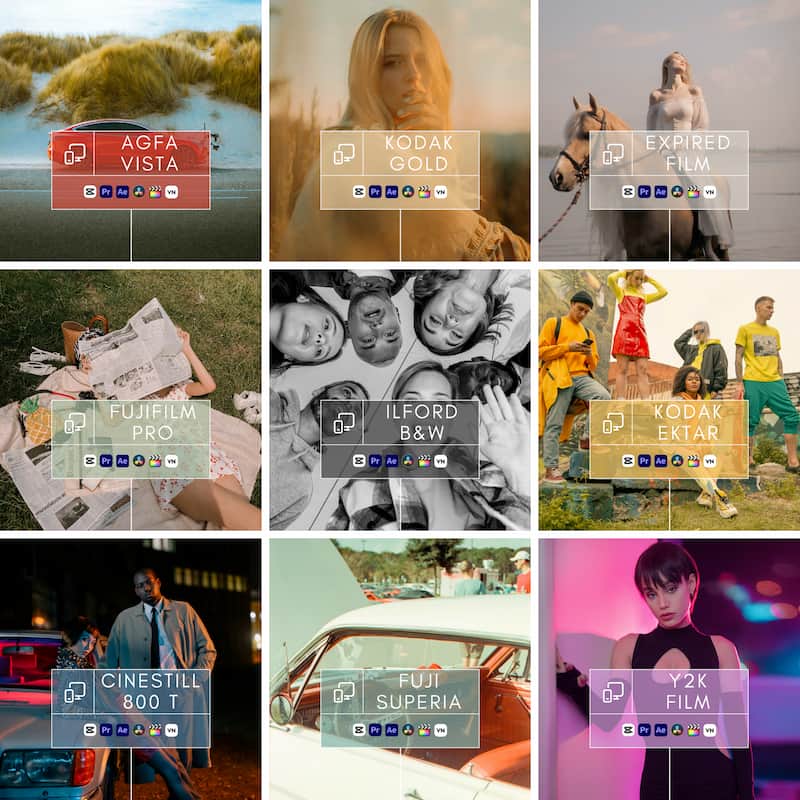
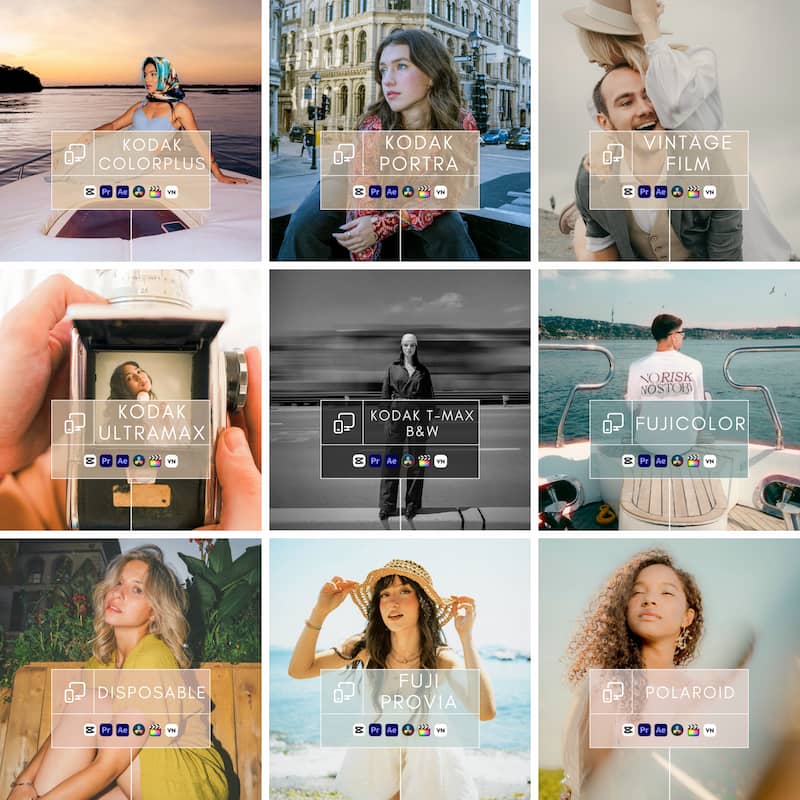
Works with Most Video Editors
About This Collection
✨ Y2K Film Look Video LUTs
Flash Pop. Cool Hues. Nostalgic Vibes.
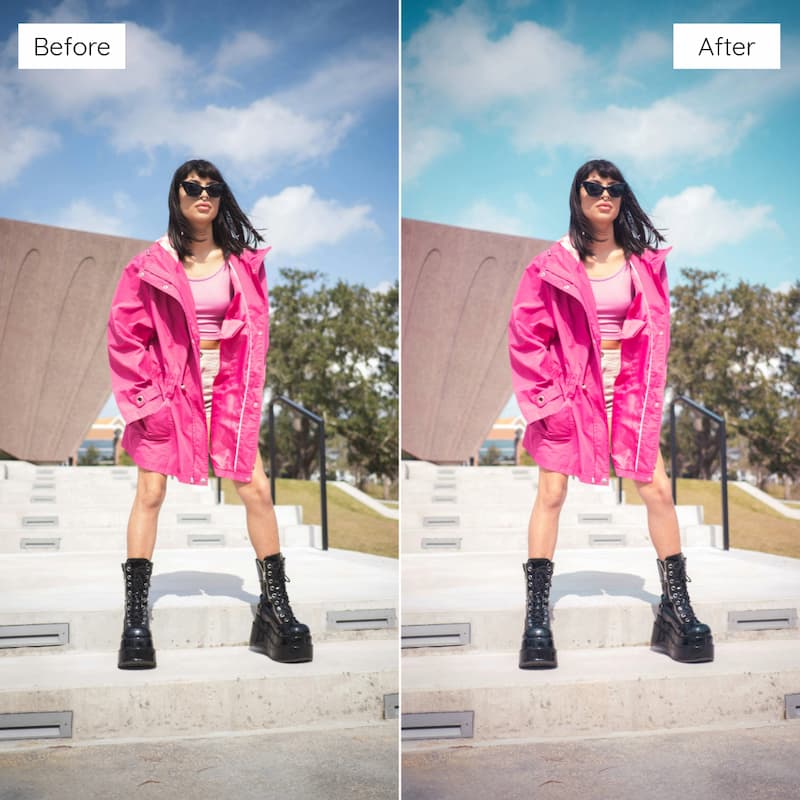
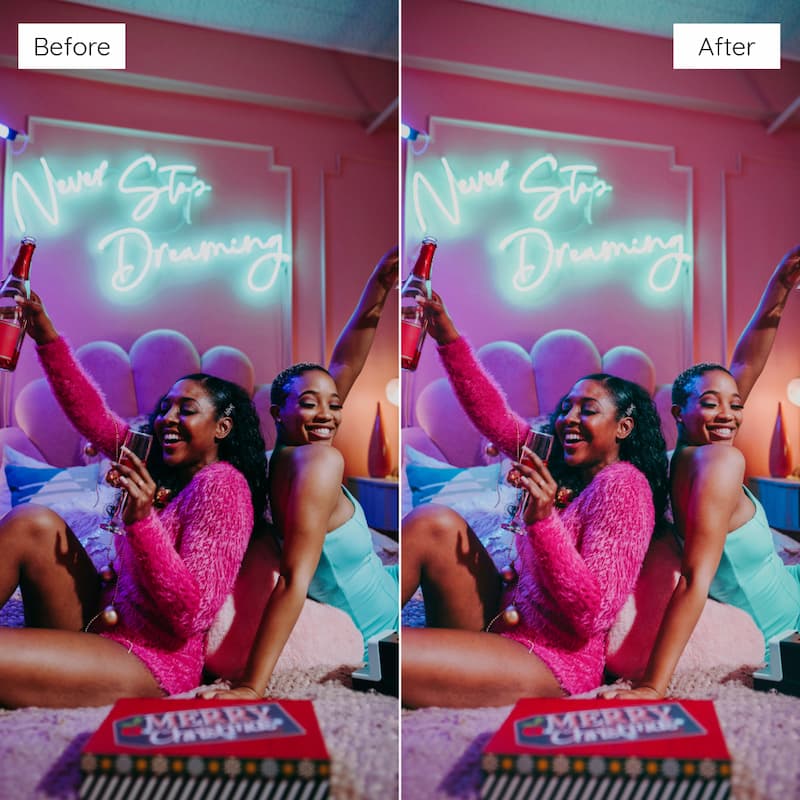
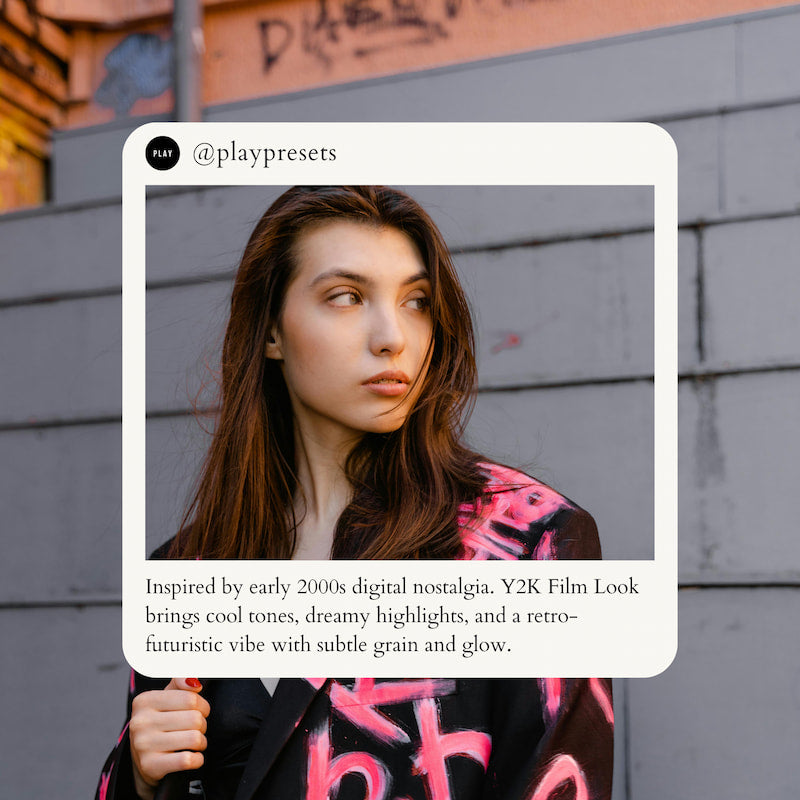
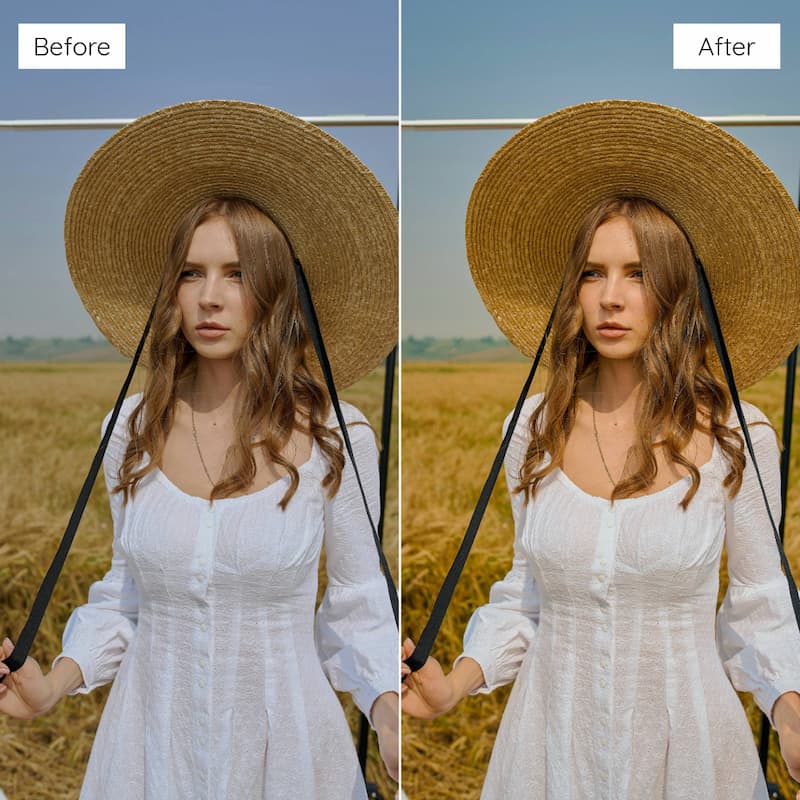
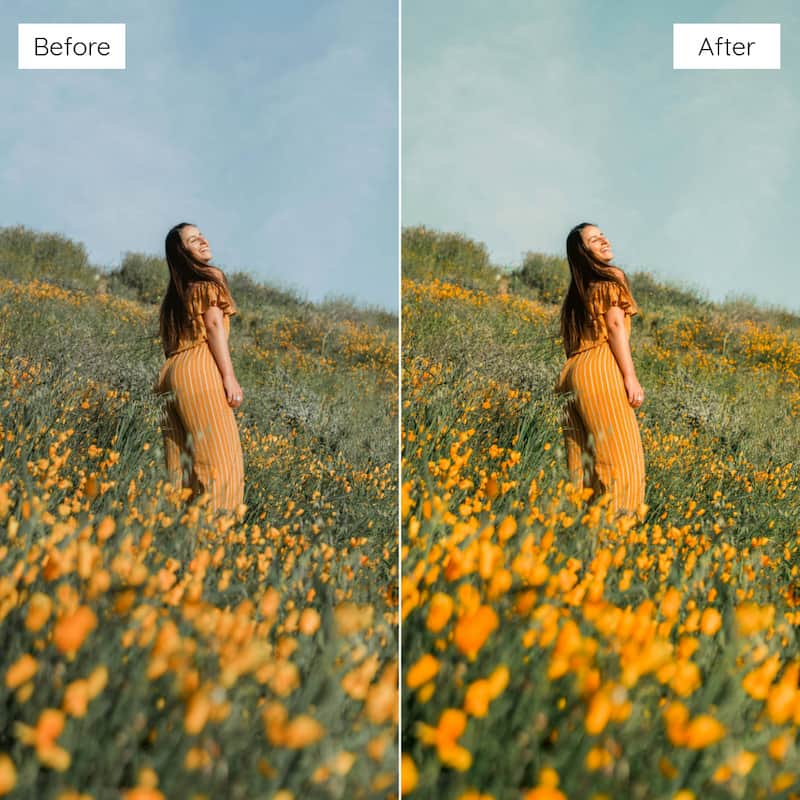
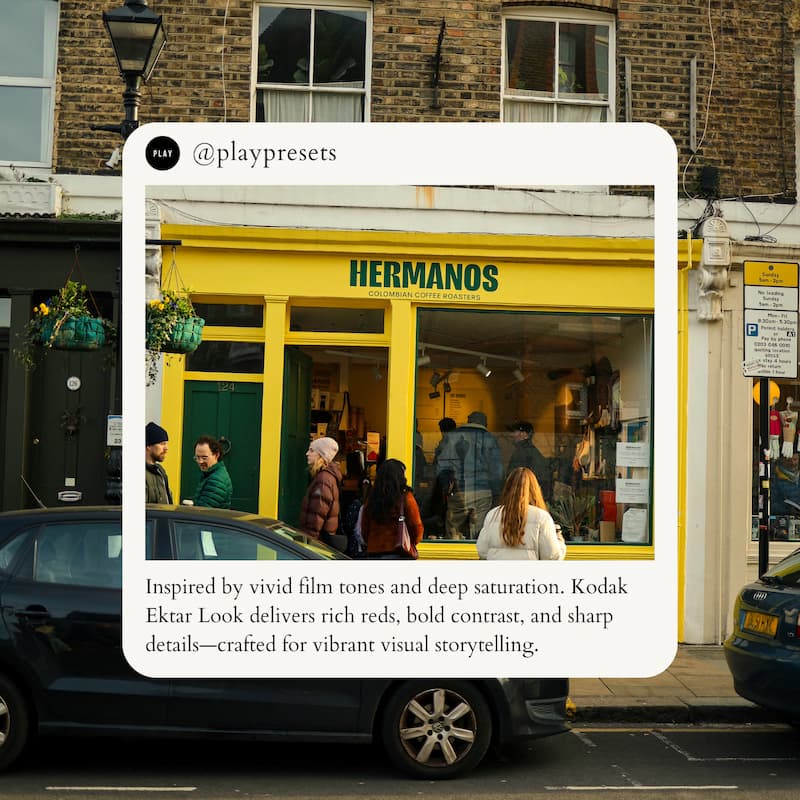
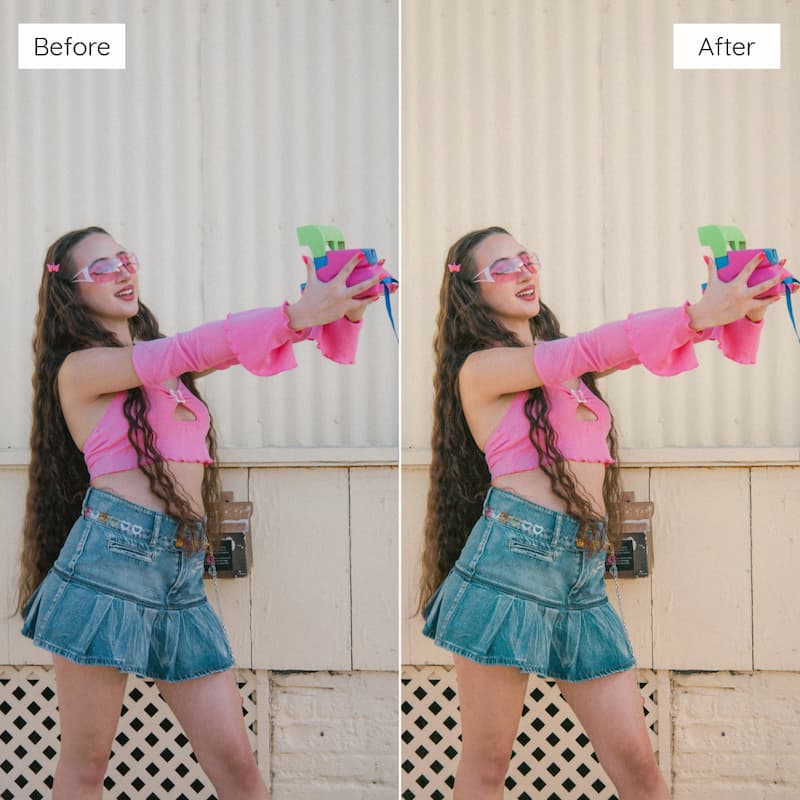
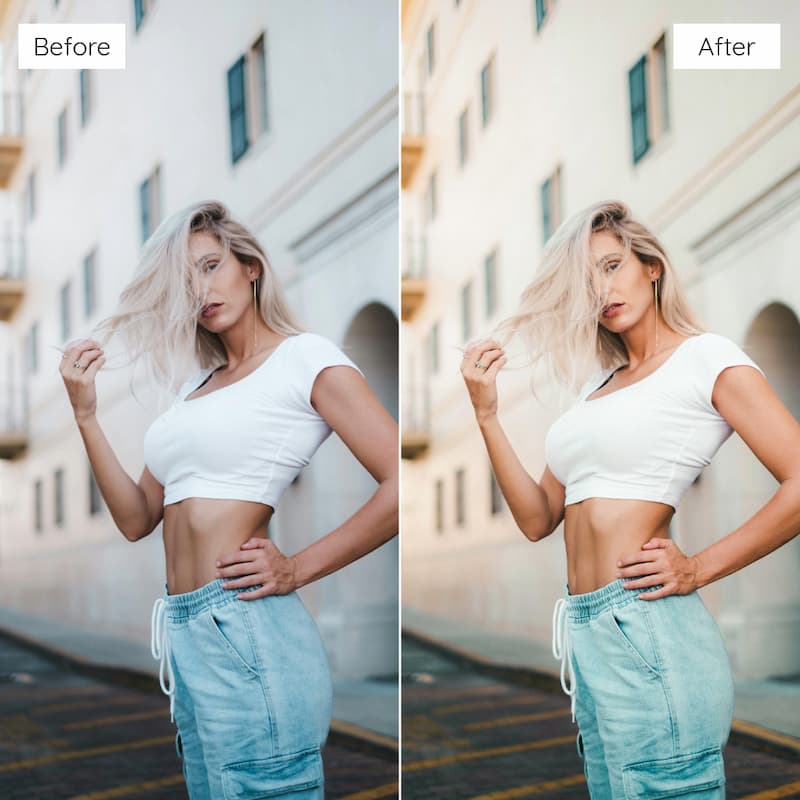
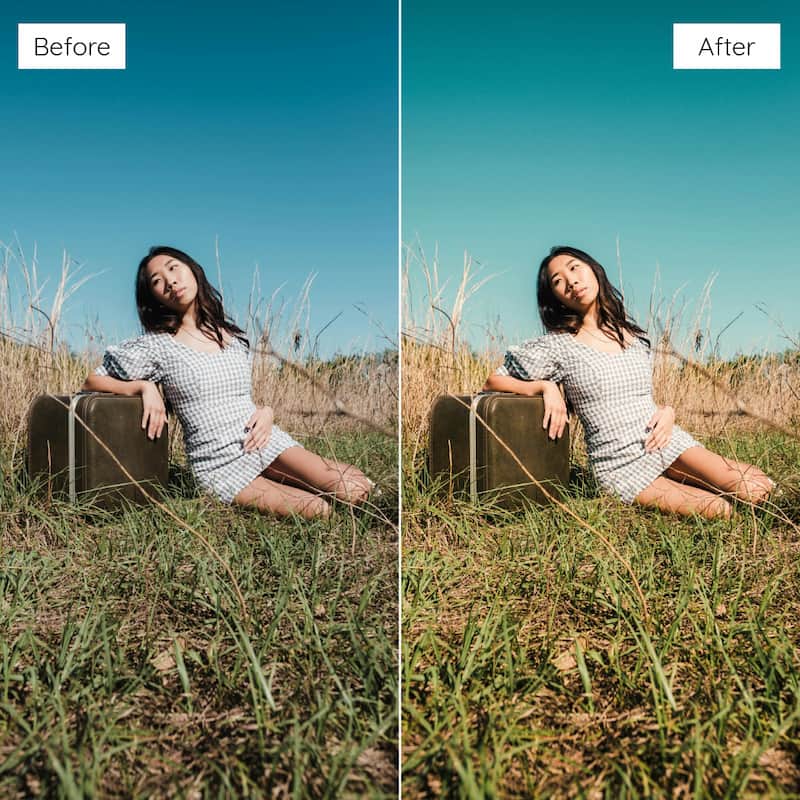
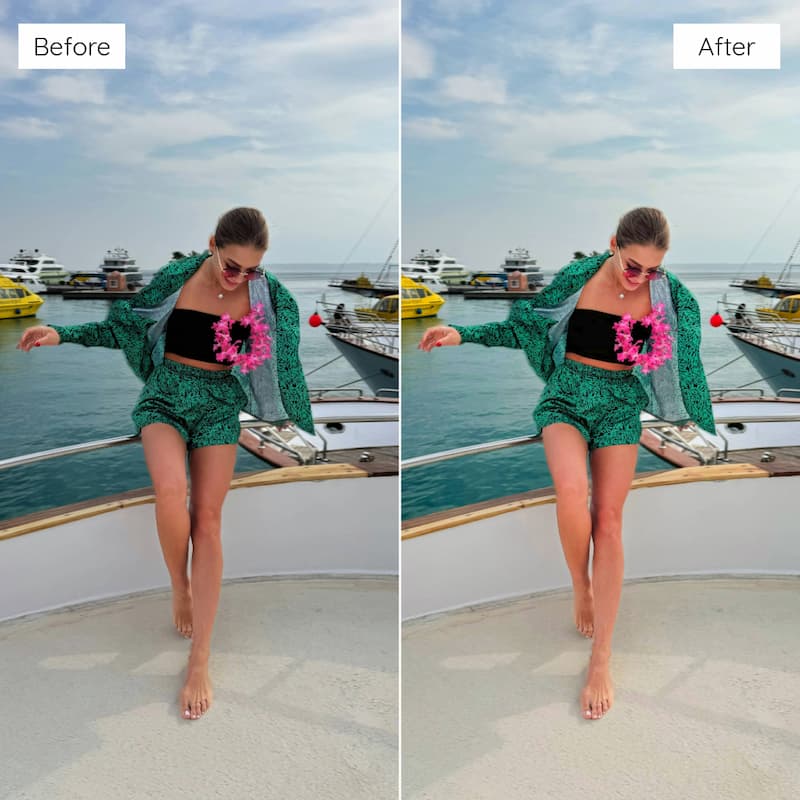
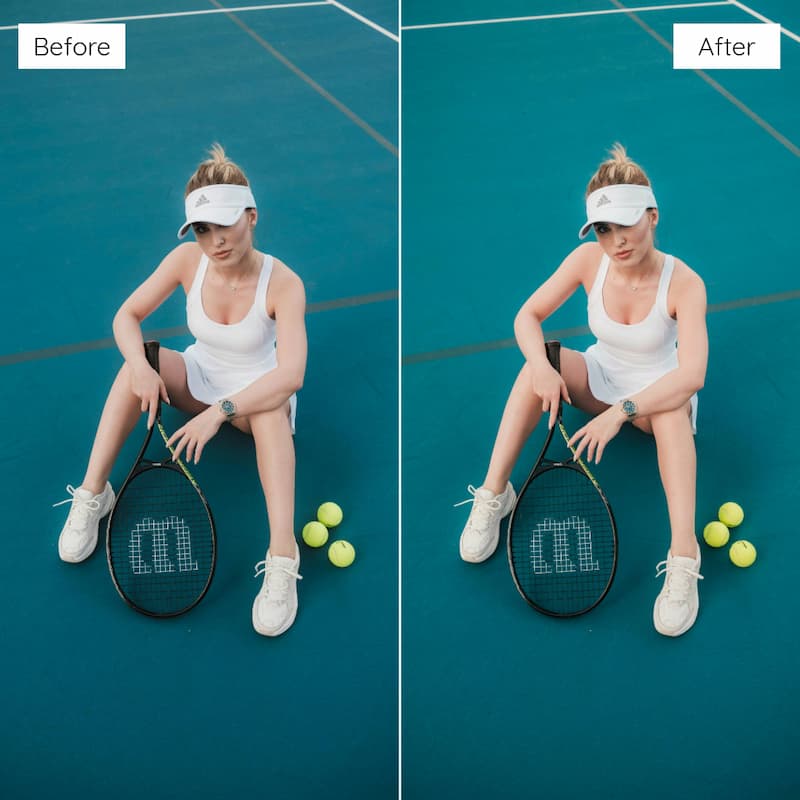
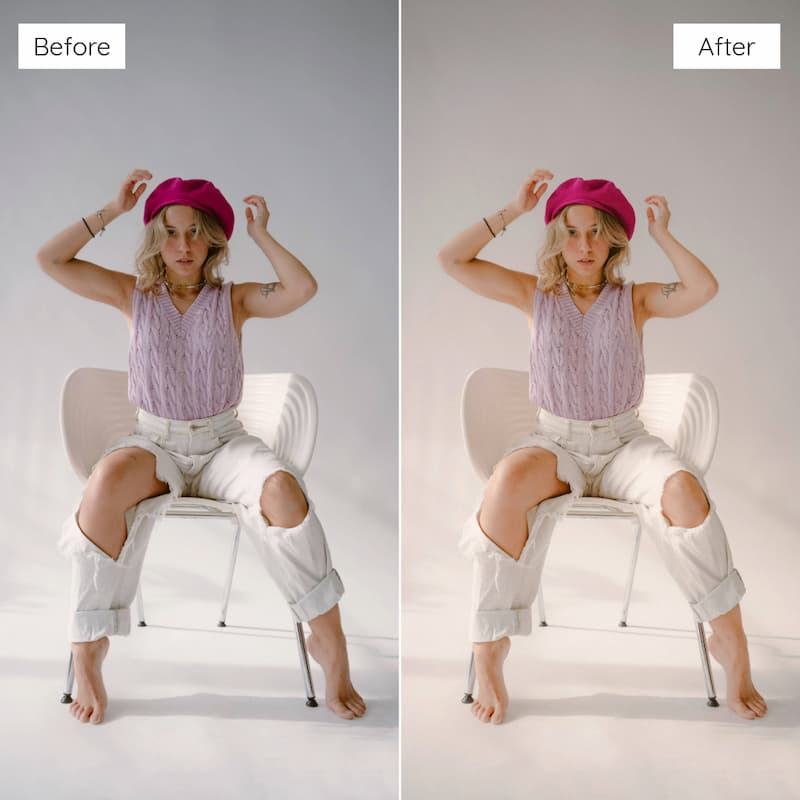
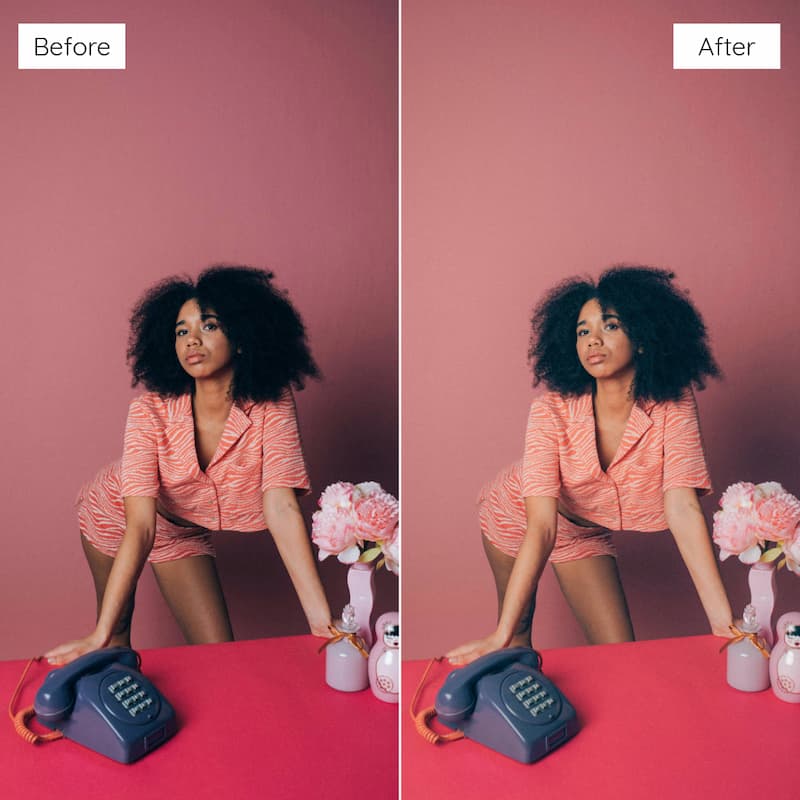
Step back into the early 2000s with the Y2K Film Look Video LUTs. These 10 LUTs are inspired by vintage point-and-shoot cameras and disposable film — delivering icy blues, flash-heavy glow, high contrast, and that signature Y2K aesthetic.
Whether you’re filming edgy street style, parties, selfies, or nostalgic throwback clips, these LUTs give your footage a bold, retro cinematic look.
✨ Enhance your videos with:
✓ Flash-popped tones & cool temperature shifts
✓ High contrast with retro edge
✓ Bold styling for fashion, party & lifestyle footage
✓ Aesthetic reminiscent of early 2000s film cameras
Includes — 10 Video LUTs (.CUBE files)
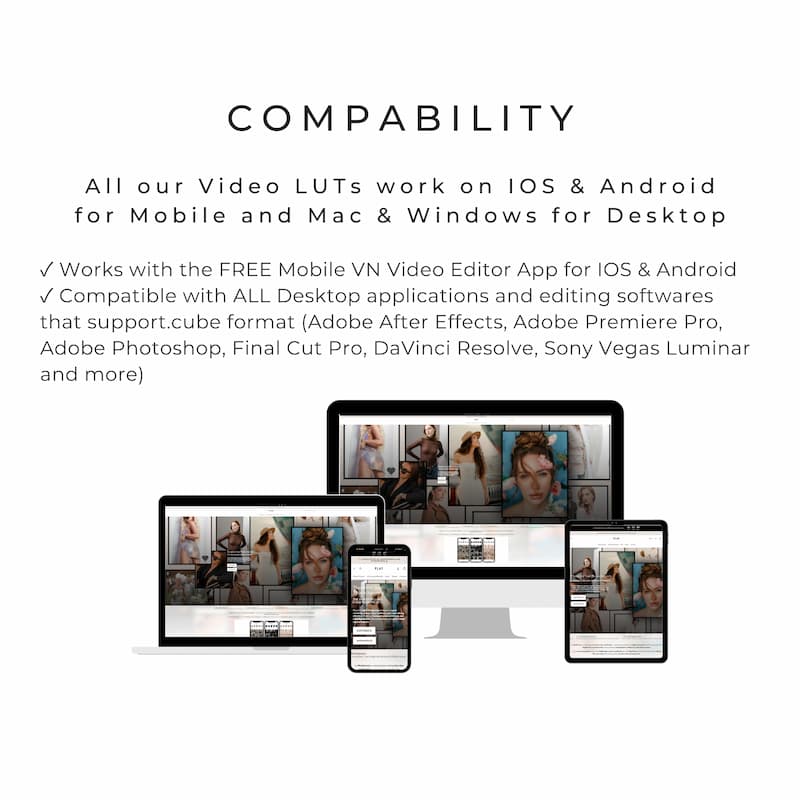
Compatibility — Works With All Major Video Editors
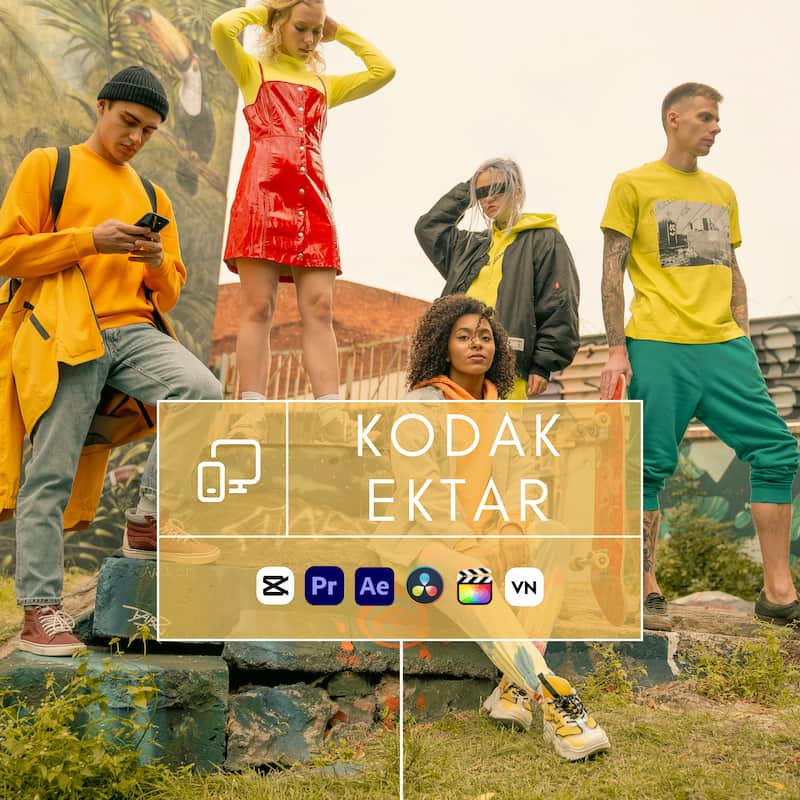
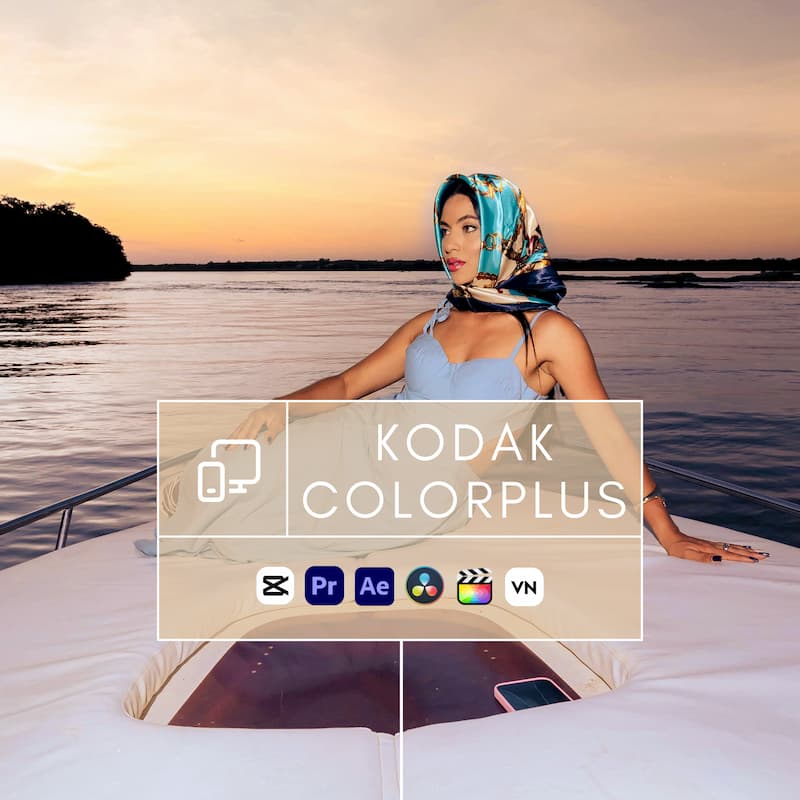
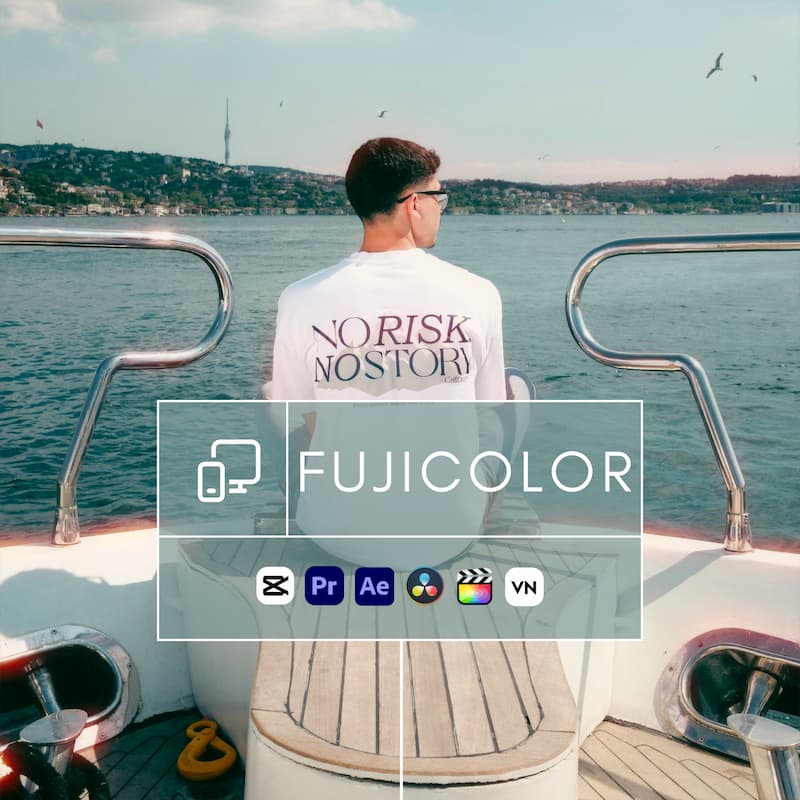
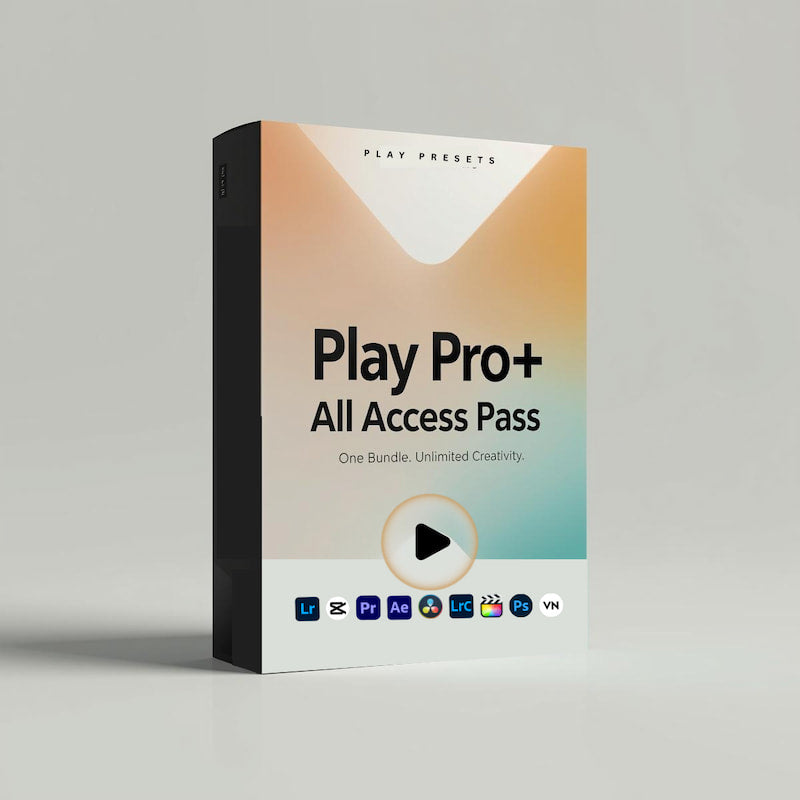
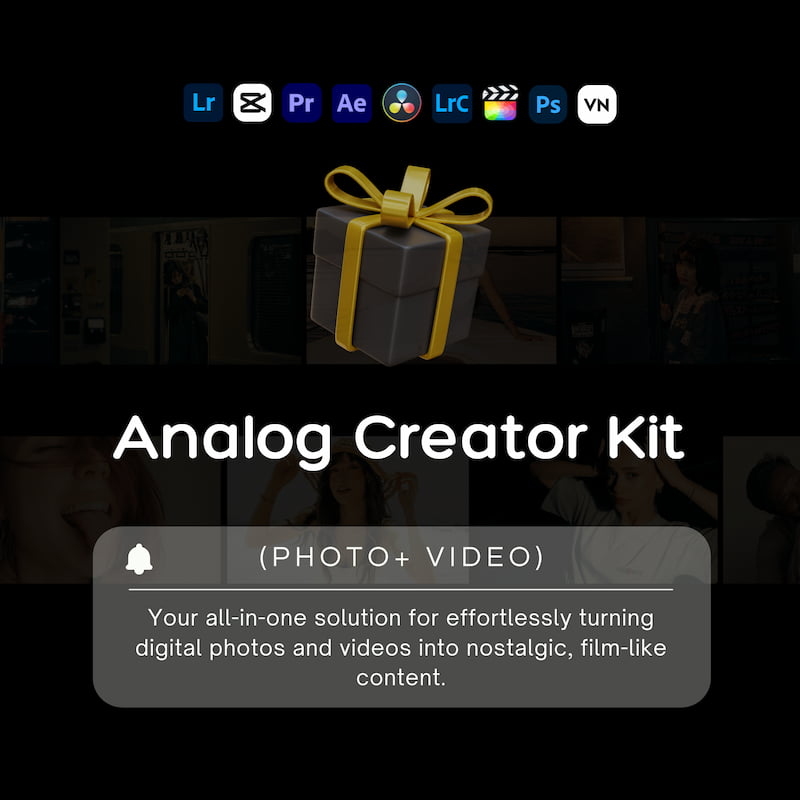
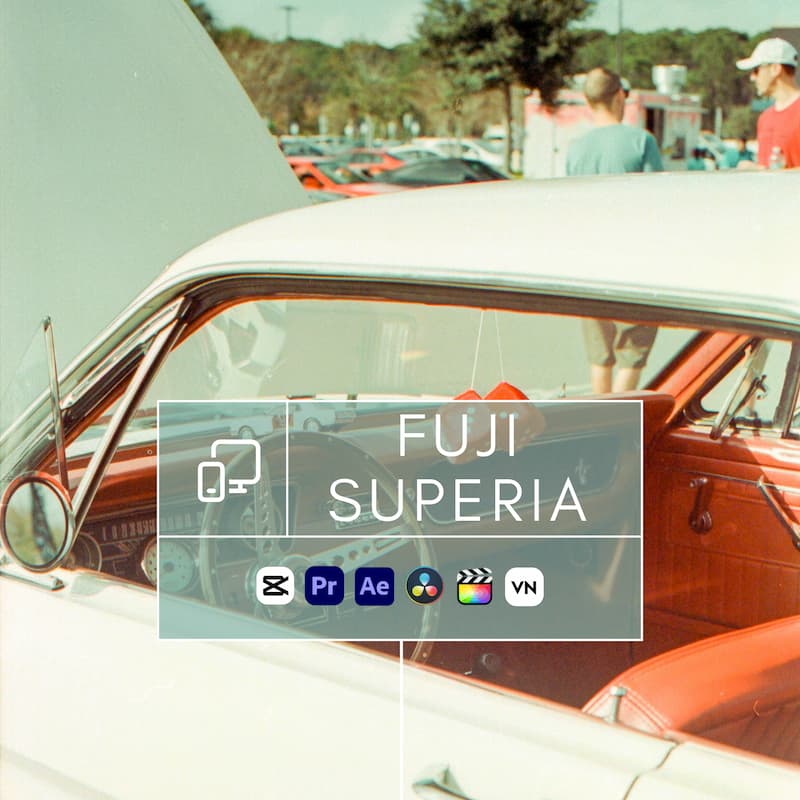
These LUTs are fully compatible with Adobe Premiere Pro, After Effects, Final Cut Pro, DaVinci Resolve, CapCut (desktop only), and VN Video Editor. Instantly achieve professional cinematic color with any footage.
One-Click Grading — Professional Results in Seconds
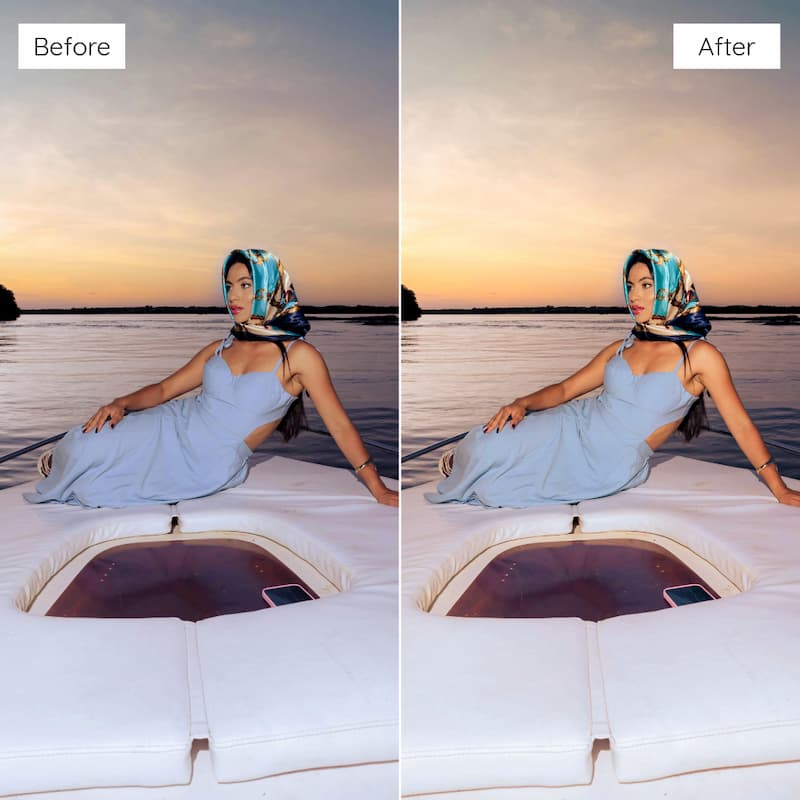
Apply cinematic tones instantly. Import the LUT, apply it to your clip, and adjust intensity as needed — effortless results with minimal tweaking.
Made for Everyone — Beginner to Pro
Whether you’re a filmmaker, content creator, influencer, or hobbyist, these LUTs are easy to use and designed for all skill levels.
Tested Across Cameras & Footage Styles
Each LUT has been tested on DSLR, mirrorless, drone, GoPro, and iPhone footage to ensure reliable, professional results across all platforms.
Instant Download & Lifetime Access
Get instant access to your files right after checkout — download available on the confirmation page and sent to your email. Enjoy lifetime access, including free future updates.
Crafted by Professionals — Artistically Developed
Created by filmmakers and colorists, every LUT is carefully designed to preserve skin tones and elevate your footage with an authentic cinematic mood.
How Does It Work
1.Install LUTs on compatible Mobile or Desktop App (see compatible software list below).
2.Select video to edit.
3. Apply your favorite Play Preset LUTs to create any aesthetic, mood, or vibe that matches your unique style.
4. Make minor adjustments to exposure and warmth if needed.
5. Share your story with the world!
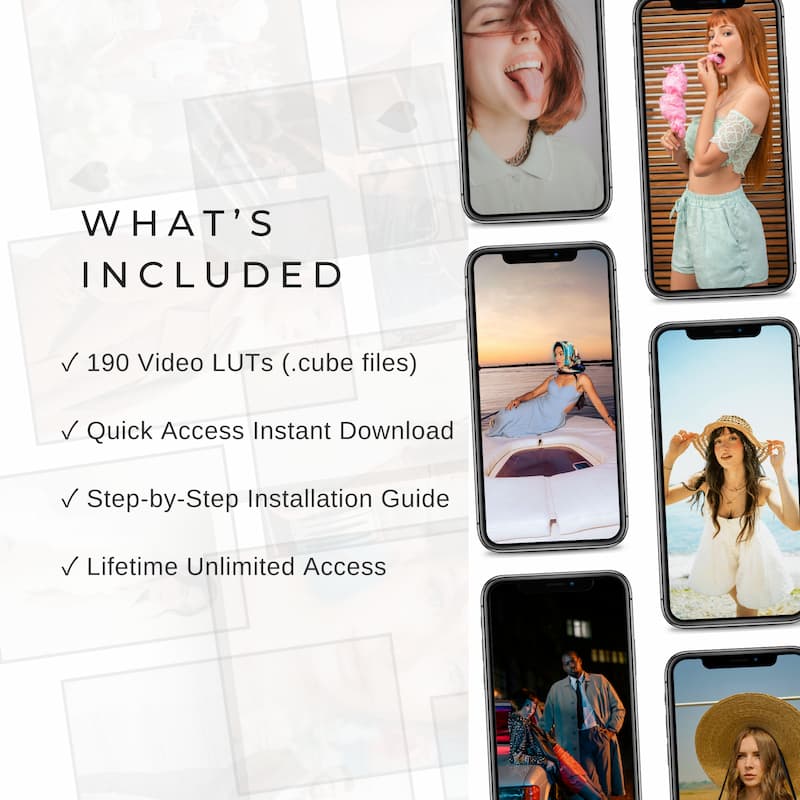
What’s Included
Our Video LUTs (.cube) are compatible with:
Mobile Apps (iOS & Android):
✓ Free VN Video Editor
✓ Free Capcut Video Editor
✓ Content from iPhone, Android, or Digital Camera
Desktop Apps (Windows & Mac):
✓ Free VN Video Editor
✓ Free Capcut Video Editor
✓ Adobe Premiere Pro
✓ Adobe After Effects, Adobe Photoshop
✓ Final Cut Pro
✓ DaVinci Resolve
✓ Sony Vegas
✓ Luminar, and more!
✓ Content from iPhone, Android, or Digital Camera
Why Play Presets
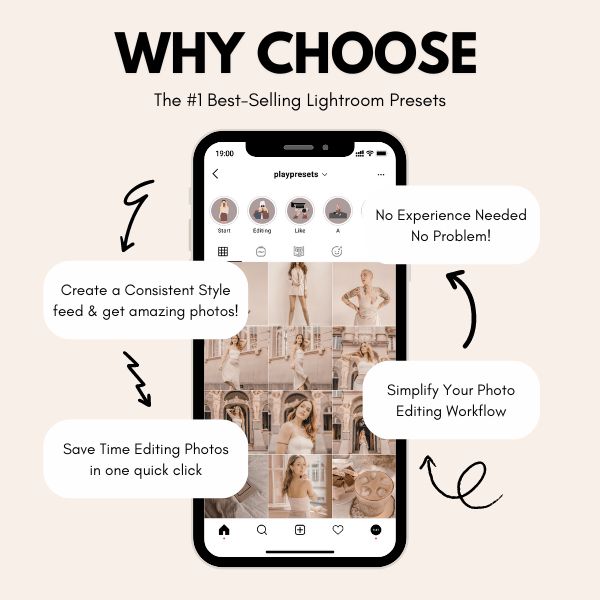
Our mission at Play Presets, our mission is to make photo editing easy, fun, and accessible for everyone — even complete beginners!
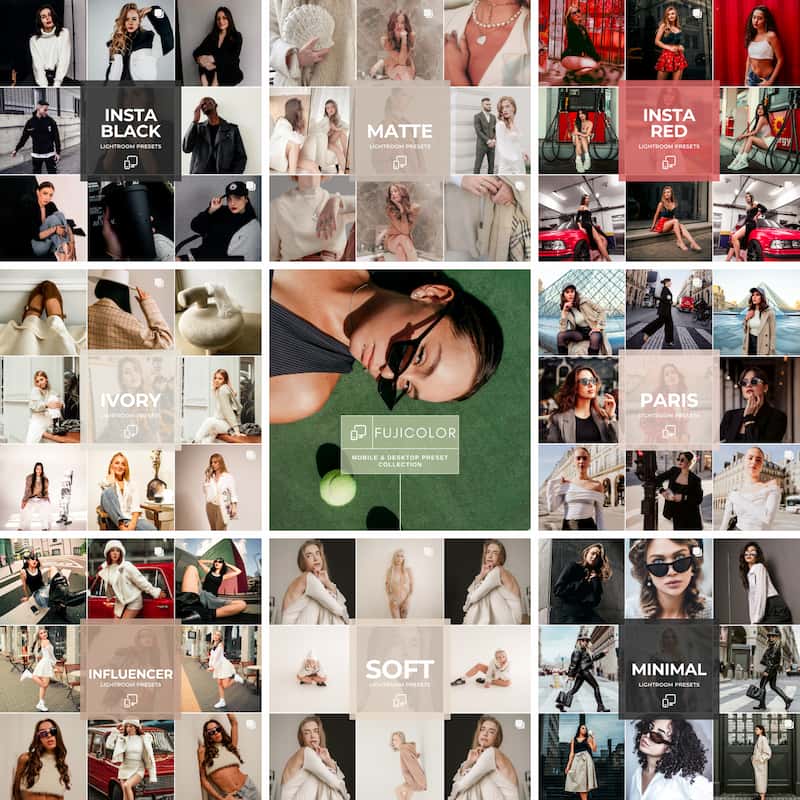
With over 100+ Lightroom presets ranging from bright & airy to dark & moody, nude & creamy, and more, we’ve got the perfect look for any aesthetic, vibe, or moment.
Transform your photos from average to stunning in just one click. Achieve perfect tones, hues, saturation, and shadows — effortlessly. Discover the premium mobile presets loved by creators, influencers, and everyday storytellers.
Join over 2,000+ happy customers who trust Play Presets to elevate their content!
Video LUTs – Professional Color Grading for Stunning Videos
Frequently asked questions
What are video LUTs (.cube files) and how do they work?
Video LUTs (Look-Up Tables) are color grading tools that instantly change the look of your footage. A .cube LUT applies predefined color values to your video frames, creating a consistent style in just one click.
How do I apply a video LUT (.cube file) to my footage?
Most video editors include a LUT or color grading section where you can load .cube files. Once applied, you can adjust the strength of the LUT and make small tweaks to match your desired look.
Which video editing software supports .cube LUTs?
The .cube format is widely supported across both free and professional editing tools. Popular options include Adobe Premiere Pro, After Effects, Final Cut Pro, DaVinci Resolve, Filmora, Sony Vegas, VN Video Editor, and CapCut desktop.
Can I use video LUTs on free apps?
Yes. Free tools like VN Video Editor and CapCut desktop support .cube LUTs, making it possible to apply professional color grading without expensive software.
Are video LUTs beginner-friendly?
Absolutely. LUTs are designed for all levels of creators. With one click you can transform the look of your video, and only minimal adjustments are needed to fine-tune the result.
What types of looks or styles can video LUTs create?
LUTs can create a wide variety of styles, from bright and vibrant tones to moody, dramatic, or vintage-inspired looks. They give creators the flexibility to match different moods, genres, or project needs.
How are video LUTs different from Lightroom presets?
Both LUTs and Lightroom presets apply color styles, but LUTs are made for video while presets are made for photos. A .cube LUT works in video editing software, whereas Lightroom presets are used in Adobe Lightroom for images.
What are the benefits of using video LUTs?
Video LUTs save time and ensure consistent results across multiple clips. They allow you to preview professional color grades instantly and help give your videos a polished, cinematic feel.
Do video LUTs work on all cameras?
Yes. LUTs can be applied to footage from any camera, whether it’s a DSLR, mirrorless, action camera, or smartphone. The LUT will adapt the colors of the video regardless of the device used.
How many video LUTs should I use in a project?
There’s no set limit. Many creators use one LUT across an entire project to keep a consistent style, while others experiment with different LUTs for separate scenes depending on the mood.
Save Big & Get Bundle